AI Toolkit for Students and Professionals: Part I

Normally, I’d say you’d have to be living under a rock to not know what Generative AI is. But given the sheer speed, volume, and hysteria with which AI has consumed public discourse, I’m sure even Patrick Star is using ChatGPT by now, either to make a case for why dirt is better than cleanliness, or to polish his resume to finally get a job as assistant fry cook.
The conversation around AI has been, to put it gently, extremely overwhelming. Will it take our jobs? Will the clankers take over? Will we run out of clean water? Will AI finally help physicists discover a theory of everything, or will it mostly help consultants make prettier 2x2s?
These are extremely pertinent questions that I promise to (attempt to) answer in this blog someday but today, I'm trying to answer a more utilitarian question: How can I, as a student or working professional, make use of the AI tools to make life, school and work a little easier?
The real challenge is not knowing that AI tools exist. The real challenge is knowing which ones are worth your time, which ones are redundant, which ones are genuinely useful, and which ones are just wearing a tiny productivity mustache pretending to be revolutionary.
This article is my attempt to make sense of that mess.
Because the mess is quite large, I’m splitting this guide into parts. In Part I, we will focus on the AI tools most ordinary people can use in everyday life: tools for writing, thinking, learning, designing, dictating, and generally becoming the kind of person who appears suspiciously on top of things.
In later parts, we will get into the more specialized tools: building landing pages, coding apps, creating slide decks, performing academic research, editing videos, designing prototypes, and other activities that make people say things like “wait, you built this yourself?”
Not every section will be relevant to you, and that’s kind of the point. If you do not care about phone intelligence, skip that section. If you already make beautiful designs by hand, congratulations on your rare and frightening gift.
Use this as a menu, not a manifesto. Alright, that’s enough rambling, let’s begin!
So think of this article as a living document. I’ll keep updating it as tools improve, disappear, get weird, or become genuinely useful. Check the Last Updated date below to see how fresh this guide is.
Last Updated: July 21, 2026
Part I: The Generalists
AI Tools for everyone, regardless of what you do.
Best for Casual, Everyday Use: ChatGPT
The granddaddy of the GenAI revolution, ChatGPT continues to be the de facto AI tool of choice for most people, and for good reason. It may not be the single best tool at every individual task, but it is usually extremely good at most things.
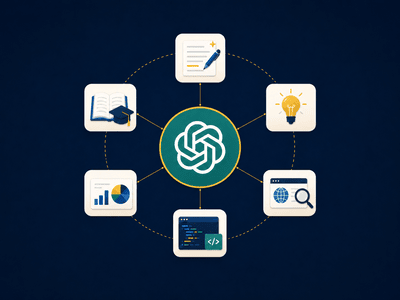
You can use ChatGPT to write emails, explain dense readings, brainstorm ideas, create images, analyze spreadsheets, prepare for interviews, conduct deep research, build small automations, and work through complicated personal or professional decisions. It is less like buying one specialized tool and more like buying an entire junk drawer that somehow contains exactly the thing you need.
There are two reasons I recommend ChatGPT for casual users over Gemini and Claude.
First, the ChatGPT Plus subscription is relatively generous for the price. For $20/month, you get access to a broad set of capabilities and powerful models. I personally have never run out of my limits despite being a heavy user: generating images, doing deep research, uploading files, and using it for fairly complex work.
Second, ChatGPT feels like the most complete everyday AI workspace. Claude is excellent for writing and reasoning, but it does not have the same native image-generation experience. Gemini is very strong for research and Google-connected workflows, but ChatGPT currently feels more rounded as a general-purpose tool for the average person. Its capabilities seem designed to appeal to the maximum number of people doing the maximum number of things.
Example Use Cases
Here are a few ways I've used ChatGPT to improve my life. Try some of these out yourself!
- Use the Voice Mode and ask ChatGPT to conduct a mock behavioral interview for you dream job
- Dump rough content into ChatGPT and ask it to generate a clean slide layout
- Ask for recommendations for your next book, movie, or travel destination. Since ChatGPT remembers past conversations, these recommendations can be much better than what you’d get from Spotify, Amazon, or Expedia.
- Ask it to explain the meaning of a song, poem, painting, or scene from a movie
Caveats
Like most large language models, ChatGPT can hallucinate, which is a fancy way of saying it can occasionally gaslight you into believing something is true, real, or available for purchase at a Target near you.
Prolonged usage of ChatGPT can also lead to something I like to call mental atrophy. This is when you stop thinking completely because your little tool is doing it for you.
Finally, ChatGPT has a tendency to pull you into its echo chamber. It can make you believe that the idea you — actually, it — (oh no, em dashes?) came up with is the greatest thing since sliced bread and that you are, in fact, the smartest human on Earth.
We will cover these topics in greater detail in a subsequent article. But one final thing before we move on: please do not use ChatGPT as your therapist or girlfriend. It will not end well. Again, that is a Pandora’s box for later.
Do not use ChatGPT like a search bar. Use it like a collaborator.
Tell it who you are, what you are trying to accomplish, what the output is for, what level of detail you want, and what format you need. The difference between a lazy prompt and a thoughtful prompt is often the difference between “fine, I guess” and “wait, this is actually useful.”
This insight has turned into its own field called Prompt Engineering that, surprise, surprise, we will explore in a later article.
Best for Structuring Thoughts: Wispr Flow
Personally, I believe one of the best use cases for GenAI so far is giving structure to raw, unfinished thoughts. This leverages GenAI’s almost magical ability to transcribe speech, extract meaning, and organize ideas without running into some of the usual caveats: hallucinations, mental atrophy, echo chambers, and so on. You are not asking it to invent the answer. You are asking it to help you understand what you were trying to say in the first place.
The easiest gateway to this magic is the Voice mode on ChatGPT. But if you feel like you'd like to take it to the next level, I strongly recommend Wispr Flow. This app will make you realize that you may be a little smarter than you thought you were (keyword being little).
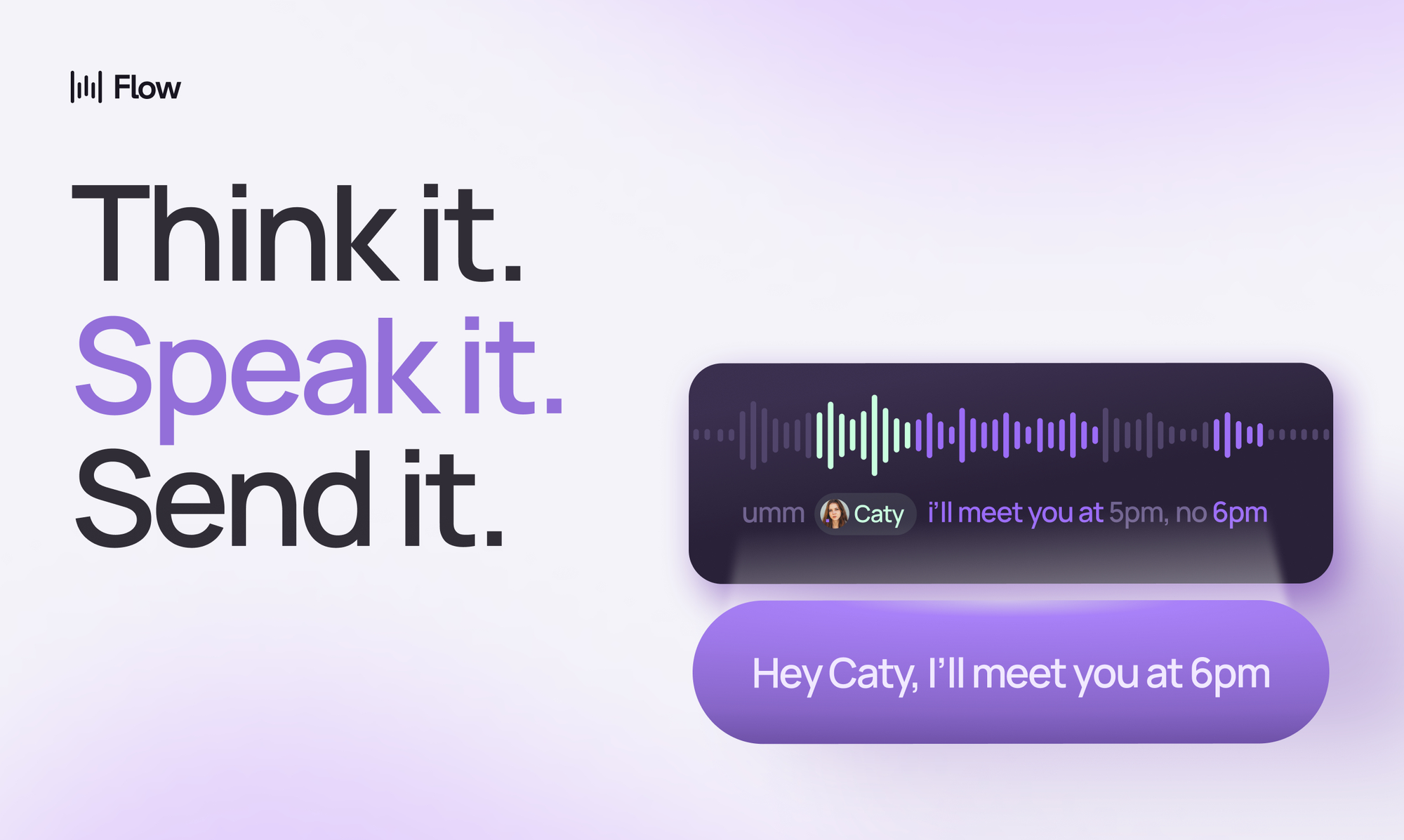
Wispr Flow is an AI dictation tool that turns your speech into clean, polished text across apps and websites. In plain English: you talk, and it writes. But the point is not just transcription. The real value is that it helps turn messy spoken thoughts into something usable.
That makes it especially useful for people who think better out loud than they do staring at a blinking cursor. You can use Wispr Flow to draft emails, capture ideas, write notes, dictate prompts into ChatGPT or Claude, create outlines, respond to messages, and get your thoughts out before they evaporate into the void. The company describes it as voice-to-text that works across apps, with AI editing built in, and claims it can be significantly faster than typing.
For students and working professionals, this is less of a “wow, the future” tool and more of a “why am I still typing everything like a Victorian court stenographer?” tool.
Example Use Cases
- Talk through your thoughts after a meeting or class, and turn them into clean notes.
- Draft emails, Slack messages, or LinkedIn posts without sitting down to write them from scratch.
- Capture startup ideas, novel ideas, or project plans the moment they hit you.
Caveats
Wispr Flow is not magic. If your thoughts are completely incoherent, it cannot turn them into the Gettysburg Address. It can clean up your speech, but it cannot fully rescue you from having no point.
Therefore, it is more of a productivity tool than an augmentation tool. It will not transform your work the same way ChatGPT or Claude might. It will not reason through an argument for you, generate a strategy, or magically make a bad idea good.
Think of it this way: Wispr Flow can find a needle in a haystack, but it cannot manufacture one if none exists.
Best for Learning: NotebookLM / Gemini Notebook
If you're a student, NotebookLM is arguably the most important tool in this entire list.
For all of human history, learning complex things has been painful and linear. You attempt to read a 700 page book in three hours, pretending that highlighting is learning. When that doesn't work, you try to look at horribly formatted slides. And when that doesn't work, you panic and stress watch YouTube videos slowly reaching the point of acceptance that you're going to fail.
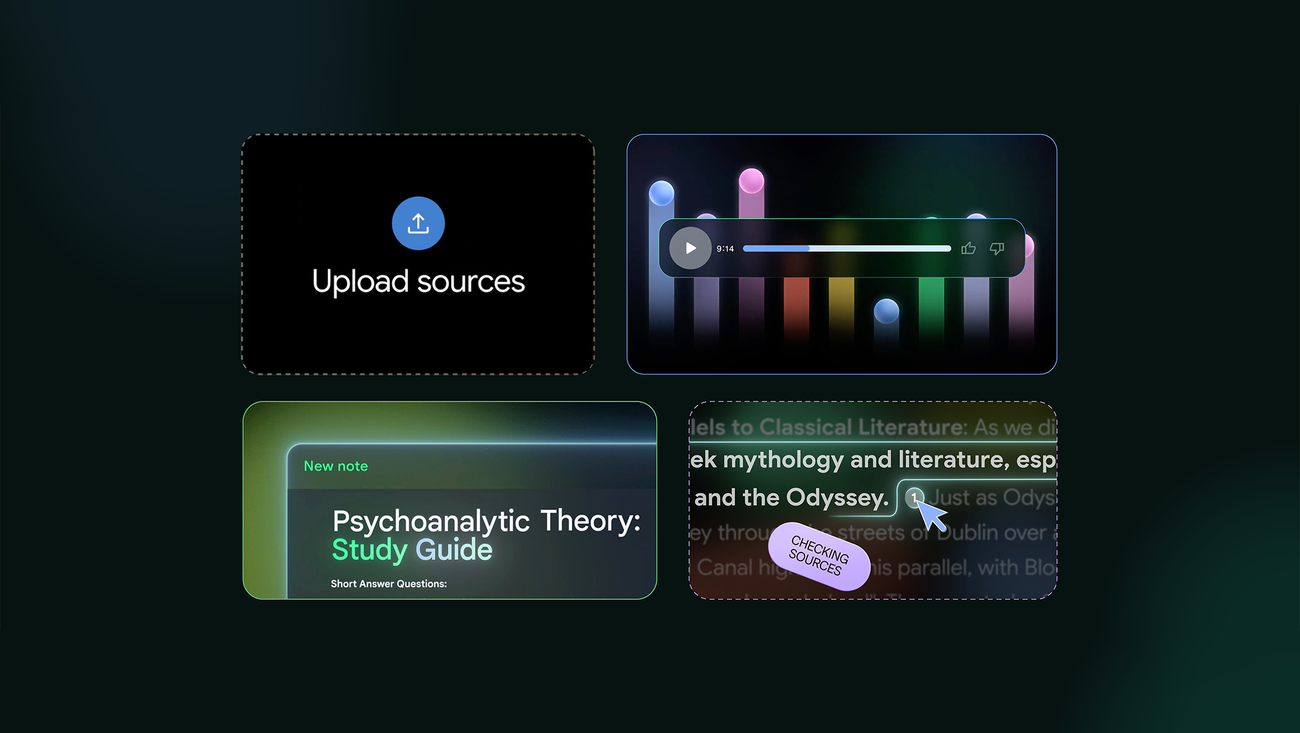
NotebookLM changes that workflow completely. Instead of learning from a pile of static documents, you can upload your documents and turn them into an interactive learning environment.
You can ask questions, create study guides, build quizzes, listen to audio overviews, and even generate visual explainers.
The fun part? NotebookLM is grounded in the sources you give it. Remember me telling you that hallucination is a big problem with GenAI? Not with this tool. NotebookLM treats the material you give as the ground truth.
That makes it very different from asking a general chatbot to explain a topic from memory. If you upload your professor’s slides, NotebookLM can help you learn from the actual material you are responsible for understanding.
For students, this is basically a superpower. You can turn a dense reading into a study guide, or a confusing paper into an audio conversation you listen to while walking to class.
There has probably never been a better way to learn complex material quickly.
Example Use Cases
- Upload lecture notes and turn them into a study guide.
- Generate an audio overview of a dense paper or book chapter.
- Create quizzes and flashcards from your class materials.
- Ask specific questions about your sources instead of rereading everything manually.
Caveats
NotebookLM is only as good as the sources you give it.
If you upload bad notes, incomplete readings, or a chaotic folder of academic debris, it can still help, but it cannot fully rescue the underlying material. Garbage in, mildly more organized garbage out.
The other caveat is that learning still requires effort. NotebookLM can make studying faster, richer, and more interactive, but it cannot do the actual understanding for you. At some point, you still have to sit with the material and let your brain do its annoying little job.
Use NotebookLM to accelerate learning, not to cosplay as someone who learned.
Best for Everyday Design: Canva

Canva is my favorite SaaS product of all time. One of my icks is when SaaS founders say their product is delightful. Like, come on David, do you really want me to believe your billing software brings me joy?
But Canva is one of the few products I am actually delighted by.
And the best part is that Canva was amazing before the GenAI gold rush began. Long before every company started sprinkling AI fairy dust on its homepage, Canva was already one of the easiest ways for normal people to make things look good: presentations, posters, videos, slide decks, and Partiful banner images you were absolutely going to be judged by.
This is why Canva’s AI features work so well. They are not bolted onto the product like a flashing neon sign that says LOOK, WE DO AI. They feel naturally woven into what Canva was already good at: helping non-designers create things that look polished.
Canva’s AI suite, Magic Studio, now includes tools for video and image generation that genuinely feel like magic. Rather than give you a laundry list of everything it can do, watch this promo video instead:
Canva's Magic Studio
For students and working professionals, this matters because design is no longer a niche skill reserved for insufferable people in turtlenecks who lecture us about taste.
Design shows up everywhere.
You need design when you are making a presentation, promoting an event, sending an invitation, creating a poster, editing a short video, or launching a side project that will definitely make a billion dollars.
Canva makes visual creativity accessible. And with AI, it makes visual creativity feel less like a blank canvas and more like a conversation.
That is the magic. It does not replace taste, but it gives you more shots at developing taste.
Example Use Cases:
- Create a poster for a student event, club meeting, fundraiser, or house party.
- Edit short videos, reels, or promotional clips without learning a professional editing tool.
- Build a simple logo, color palette, or brand kit for a side project.
- Remove backgrounds, generate new graphics, resize designs, and adapt one design across multiple formats.
Caveats
I know I dissed designers literally five sentences ago, but the fact of the matter is that they are still extremely important.
Canva is great as a design tool for personal use cases, student projects, internal quick marketing assets, and anything where “pretty good and done today” beats “perfect and done never.”
But for professional design that needs to be strategically sharp, emotionally resonant, highly original, or deeply on-brand, you still have to find yourself a human. Sorry.
Best for YouTube: Gemini
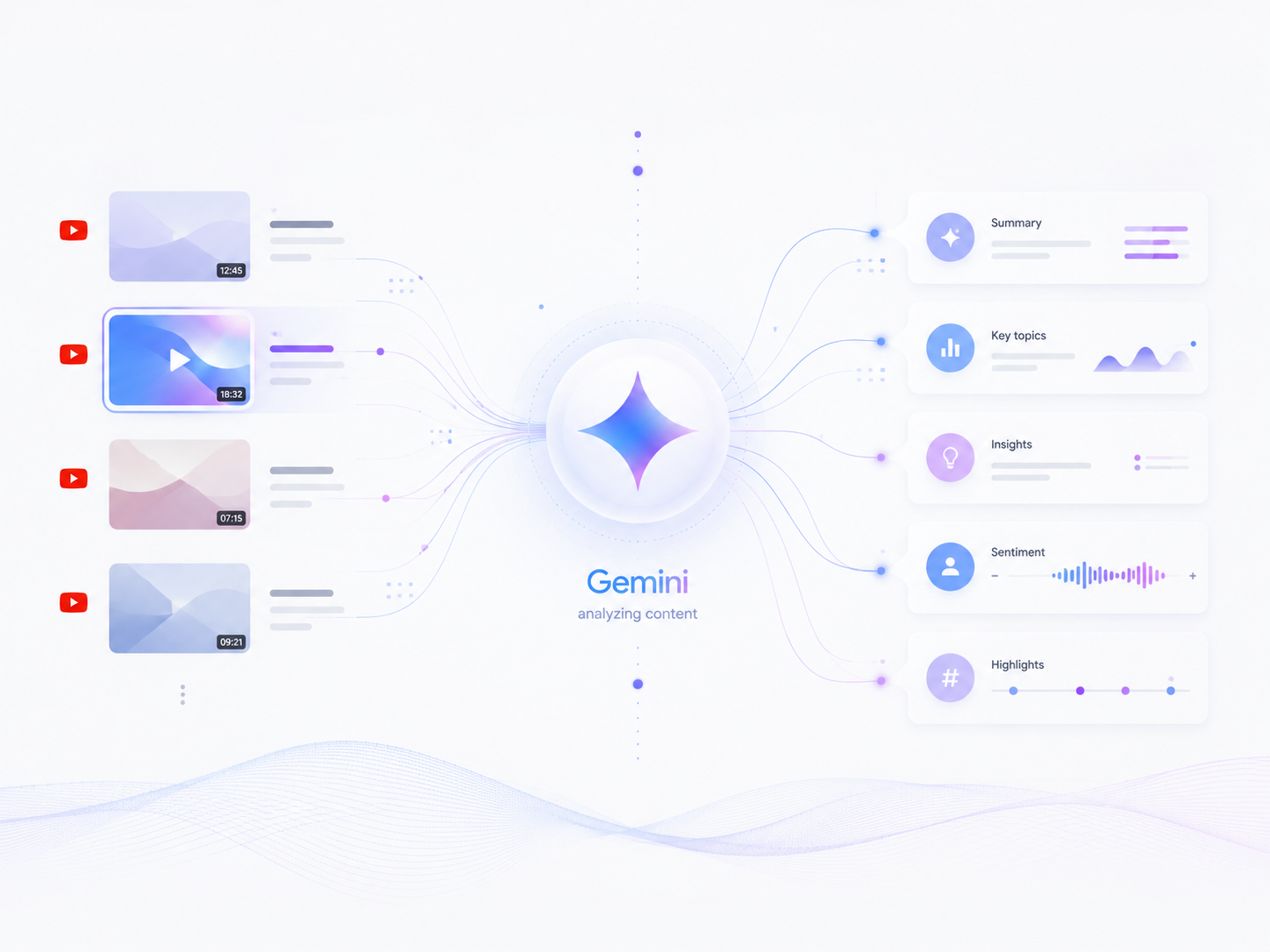
This may sound like a strangely specific category, but hear me out.
YouTube is the single largest repository of video and audio knowledge on the planet. It is where people go for entertainment, tutorials, podcasts, music, and twelve-minute videos with one built-in ad for NordVPN from the creator plus three pop-up ads if you're not on Premium. Isn’t life amazing?
Gemini is the best mainstream AI tool for working with YouTube videos. Because it sits inside the Google ecosystem, it can interact with YouTube more naturally than most other AI tools. You can use it to summarize videos, ask questions about them, extract key takeaways, and turn long-form video content into something easier to understand and act on.
This makes Gemini exceptionally useful, as the following section will hopefully demonstrate.
Example Use Cases
- Summarize a long lecture before deciding whether to watch it
- Ask specific questions about a video instead of scrubbing around manually
- Compare multiple videos on the same topic
- Turn an educational video into study notes
Caveat
Gemini analyzing videos for you does not mean you should stop consuming long form content altogether and permanently move to the promised land of doomscrolling and chill.
That is like saying you understand The Brothers Karamazov because you read a 1,000-word summary on SparkNotes. (Wait, do they still exist, or has AI killed them already?)
Gemini is useful for deciding what to watch when the time commitment is high, and for getting a useful summary once you have watched the content in full. It helps you triage and retain information. It should not become a machine that turns your entire intellectual life into bullet points.
Best for Phone Intelligence: Gemini
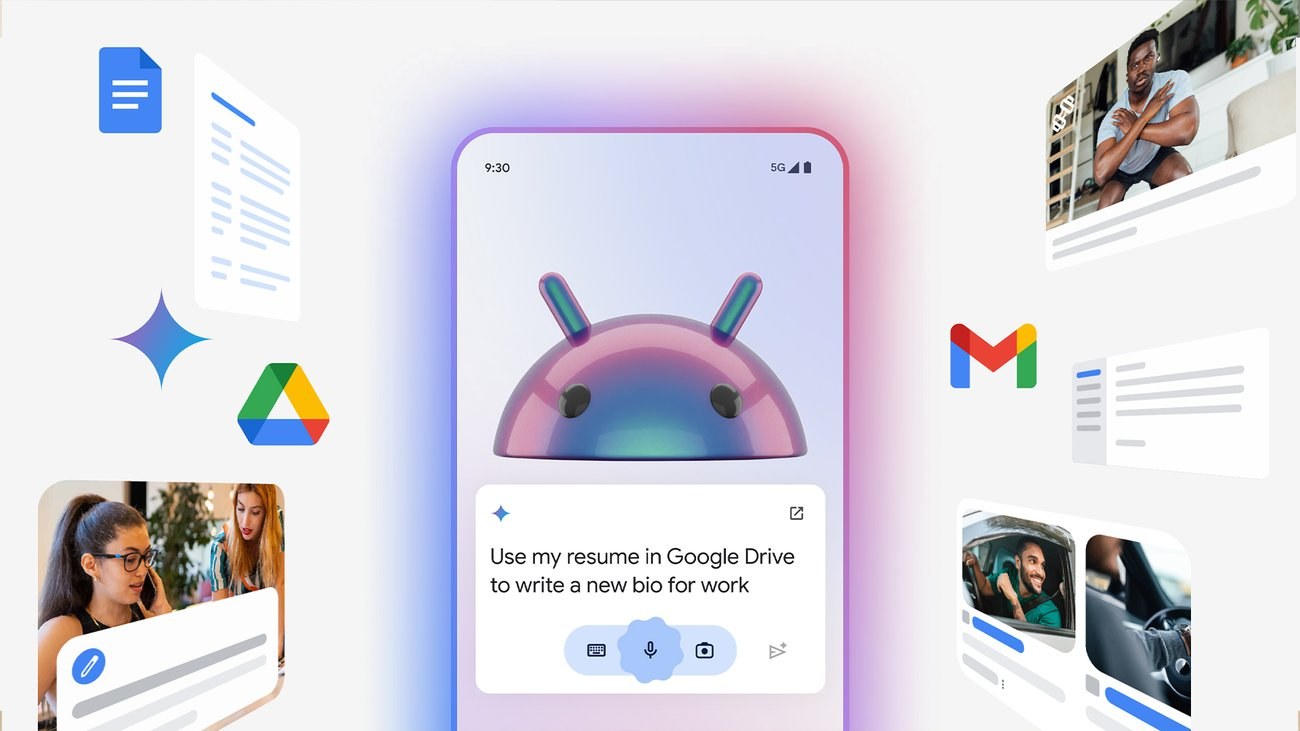
Given that Gemini is the de facto intelligence layer on Android, calling it the best AI tool for phone intelligence is a bit like declaring yourself the winner of a race where you were the only participant.
But it is still incredibly important.
Most AI apps on your phone are just that: apps. You open them, type or upload something, get an answer, and leave. Gemini, at least on Android at the time of writing, is more intimately tied to the device itself.
That matters because your phone is not just a phone. It is your camera, calendar, inbox, map, alarm clock, music player, and tiny glowing rectangle of doom. Gemini can understand and interact with that context in ways a standalone ChatGPT or Claude app usually cannot.
Check out some of the examples below.
Example Use Cases
- Ask questions by voice while walking, commuting, or cooking
- Summarize or explain what is on your screen
- Ask questions about photos, screenshots, documents, or images.
- Create lists, reminders, and quick notes
- Control smart home devices.
Caveat
The most important thing to consider here is privacy. Gemini has access to data and apps on your phone in a way that a standalone ChatGPT or Claude app typically does not. But hey, you have been sharing terabytes of data with Google for decades, so in a way, this is less of a shocking new development and more of a sequel.
Still, understand what permissions you are giving it. The more useful an assistant becomes, the more intimate the tradeoff gets.
Best for Desktop Intelligence: Codex / ChatGPT
If Gemini is becoming the intelligence layer for your phone, Codex is trying to become the intelligence layer for your computer.
That sounds dramatic, but hear me out. Most people still think of Codex as a coding tool, and to be fair, that is where it started. Codex can write, debug, explain and review code, and generally make software engineers feel incredibly powerful and increasingly disillusioned about their jobs.
But the more interesting version of Codex is bigger than that.
Codex is what happens when ChatGPT stops being a box you type into and starts becoming an agent that can work across your desktop. It can inspect files, work inside folders, browse the web, run commands on your Terminal, analyze data, and help turn vague goals into finished technical work.
In that sense, Codex feels significantly more powerful than using ChatGPT in a browser. ChatGPT on the web is mostly a conversational partner. Codex is closer to a coworker with access to your laptop who occasionally needs supervision and may confidently attempt something unhinged if your instructions are vague.
ChatGPT in a browser or app will go as far as giving you advice, creating a basic document or two, or deluding you into believing that you are smart. But for serious work with large scope, AI needs access to your computer. It needs to be able to interact with your files, browser, terminal, spreadsheets, and editors.
Codex is what happens when ChatGPT grows up and starts doing work that actually matters in the real world.
Before the Claude Code folks come at me with their pitchforks, I want to state that my recommendation for Codex is primarily driven by cost and accessibility. Claude Code is excellent, especially for deeper technical work. But for most students and working professionals who want an agentic coding and desktop-work assistant, Codex is more approachable and good enough for a surprisingly large number of use cases.
Example Use Cases
- Analyze a Mixpanel dashboard, with access you provide, and extract insights about your website’s performance
- Perform a diagnostic of a website or an app
- Create an MVP of your big mobile app idea that you could not bring to life because your asshole engineer friends would not take you seriously
- Research a topic and convert learnings it into a Powerpoint slide deck
- Parse a CSV or Excel, and answer a set of questions asked by your boss
Caveat
Codex is powerful, which is exactly why you should not treat it casually.
Once an AI tool can work with your files, code, browser, and local environment, the stakes are higher. A bad answer in a chatbot is annoying. A bad agentic action on your computer can break something, expose something, delete something, or create a tiny software goblin you now have to debug.
You also need enough technical judgment to supervise it. Codex can do a lot, but if you have no idea what it changed or why, you are not really using an agent. You are just letting a very confident intern sprint through your codebase holding scissors.
So use Codex for technical work, desktop workflows, website diagnostics, data analysis, and coding projects. But review its work carefully, keep backups, and do not give it vague instructions unless you enjoy learning through consequences.
Best for Image Generation: ChatGPT / Gemini
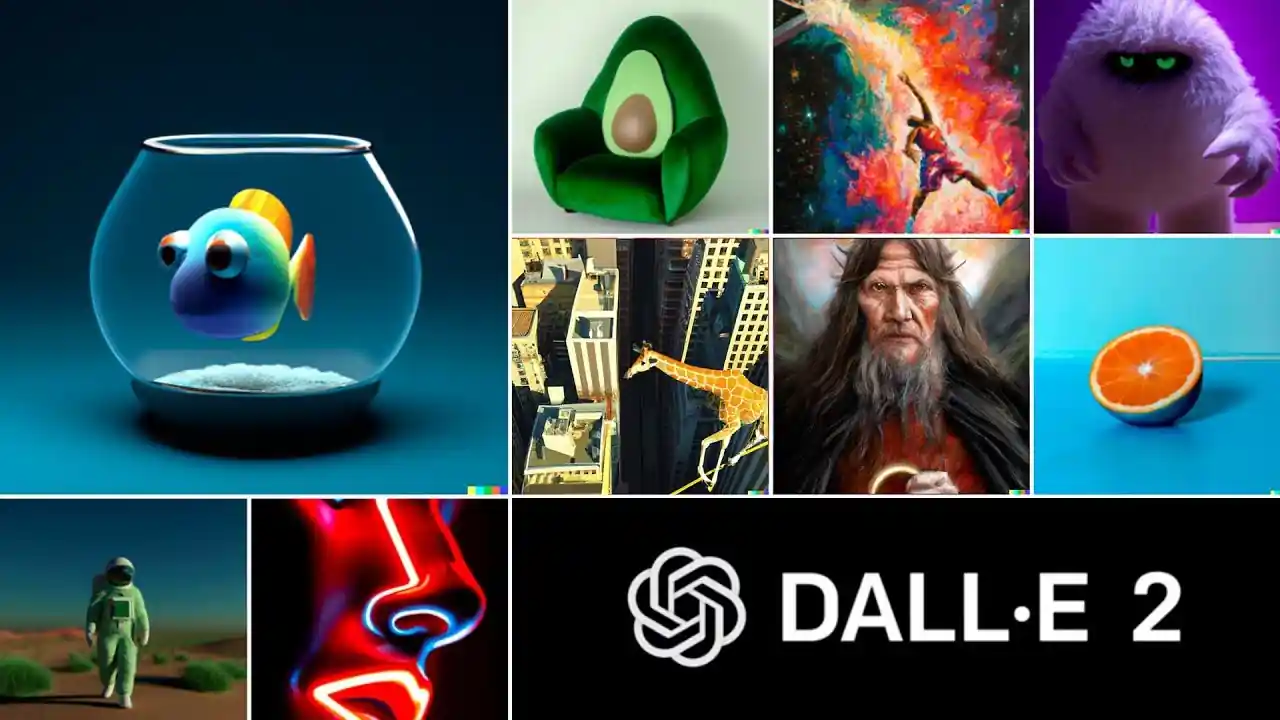
I don’t know about you, but while ChatGPT was the tool that made GenAI mainstream, Dall-E's image generation was the thing that made it feel like magic.
When OpenAI first released DALL·E, it felt like someone had opened a trapdoor in reality. You could type a sentence and get an image back. Not a stock photo. Not a template. An image that did not exist five seconds ago.
That was insane. And since then, image generation has come a very long way. The things we casually do today like changing the lighting in a photo, generating a product mockup, turning ourselves into action figures, removing objects, creating a 2D illustration from scratch would've seemed like sorcery five years ago.
For this category, I am calling it a tie between ChatGPT and Gemini.
At the time of writing, Gemini’s latest Nano Banana Pro model is widely considered one of the strongest image-generation models available, especially for photorealistic images, visual consistency, and realistic edits. If you want something that looks like it could plausibly have come from a camera, Gemini is often excellent.
But personally, I still find myself using ChatGPT a lot for images, especially when I want 2D art, editorial graphics, pixel art, diagrams, illustrations, or clean visual concepts for articles and presentations. ChatGPT feels very good at turning a fuzzy creative direction into something structured and usable.
So the honest answer is: use both.
If I want a photorealistic image, product shot, or realistic edit, I usually try Gemini. If I want a blog graphic, stylized illustration, icon set, slide visual, or something more designed than photographic, I usually try ChatGPT.
The best image tool is the one that understands the kind of image you are trying to make.
Example Use Cases
- Improve the lighting, composition, or background of a photo.
- Create a graphic for an article, presentation, newsletter, or social post.
- Generate a product mockup, logo concept, or brand direction.
Caveat
Oh boy, where do I even begin. Image generation is one of the most magical parts of AI, and also one of the easiest to misuse.
The same tools that can help you create a beautiful article graphic can also be used to spread fake news, impersonate real people, create non-consensual sexual images, manipulate evidence, or generally make the internet an even more haunted place than it already is.
So use image generation with a conscience.
Do not use it to create or share deceptive images of real people. Do not use it to humiliate, sexualize, or impersonate someone without consent. Do not use it to manufacture “proof” of something that did not happen.
The technology is astonishing. That does not mean every possible use of it deserves to exist.
Up Next...
Specialized tools for a specialized you.
In this article, we covered the tools most ordinary people would find useful in their everyday lives.
But you are not ordinary, are you?
No, you are special. You have special problems. You do special work. You require a special set of tools that cannot always be handled by the friendly generalists we have covered so far.
So, in the next article, we will move beyond everyday AI tools and look at products that are more specialized, more powerful, and, in some cases, more likely to make you question whether your laptop has quietly become your manager.
I am talking about tools for building landing pages, coding mobile apps, creating slide decks, performing academic research, editing videos, designing prototypes, and generally doing the kind of work that used to require either a small team or one deeply over-caffeinated intern.
The list is long, and the article will probably be longer. But I promise you, it will be worth your time.
Stay tuned, and I will see you soon!